

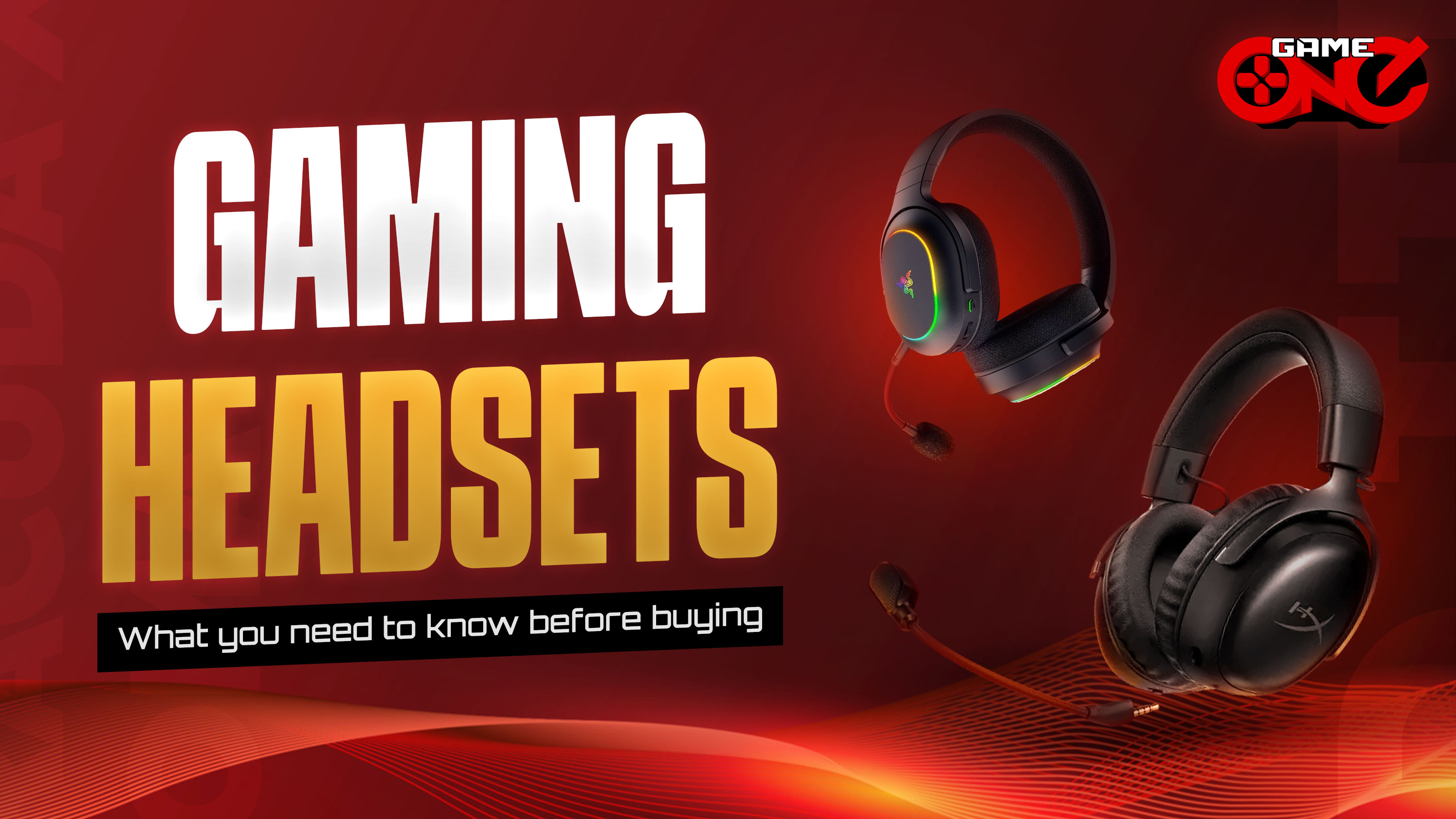
A great gaming headset can make all the difference but choose the wrong one, and you could miss every epic moment. The right headset lets you catch every in-game sound, chat clearly with teammates, and stay comfortable during long sessions. But before buying, check the sound quality, comfort, and build, and if you’re going wireless, consider battery life, connectivity, and noise cancellation. Let’s break down why these features matter.
Compared to regular headphones that focus on balanced audio for music and everyday listening, gaming headsets are designed to enhance gameplay with precise sound, built-in mics, and lasting comfort. Ultimately, your choice depends on whether you value gaming performance or pure sound quality.
Sound Quality
Sound quality is about how clear and accurate the audio sounds, based on both technical specs and your own listening experience. Things like frequency range, driver size, impedance (ohms), and battery or power levels affect how the headset sounds. The best way to find a great gaming headset is to check these specs and listen for yourself, and it helps if the headset lets you adjust the sound to your liking.
Frequency Response
Frequency response shows the range of sounds a headset can play, usually from 20 Hz to 20 kHz. A wider range lets you hear more details, while a narrower range can make the sound feel flat or weak. It affects everything from deep bass in music to clear highs in game effects. Headsets with a good frequency response make music, movies, and games feel more immersive and natural.
Driver Size
Driver size is the size of the speaker inside your headset, measured in millimeters (mm). Earbuds usually have drivers around 8-15 mm, while over-ear headphones range from 20-50 mm. Larger drivers can deliver stronger bass and fuller sound, while smaller drivers may be a bit weaker but can focus more on clarity.
Impedance
Impedance, measured in ohms (Ω), shows how much power a headset needs. Low-impedance headsets, usually 16, 32, or 80 Ω, work easily with phones and PCs, and most people won’t notice much difference. High-impedance headsets need more power but can sometimes deliver slightly clearer sound.
Sensitivity / SPL
Sensitivity, or SPL, measures how loud a headset can get and is expressed in decibels per milliwatt (dB SPL/mW), usually ranging from 90 to 110 dB. Headsets with higher sensitivity can produce louder sound with less power, while those with lower sensitivity may require you to turn up the volume.
Surround Sound
Surround sound makes the audio feel like it’s coming from different directions. This helps in games to hear footsteps or where sounds are coming from. Not all games or headsets support it.
Total Harmonic Distortion
Total Harmonic Distortion (THD) shows how clean a headset’s sound is and is usually listed in the tech specs as a percentage (%). Lower THD means clearer sound, while higher THD can make music or game audio sound fuzzy. For example, a headset with THD of 0.5% will sound cleaner than one with 2% THD.
Microphone quality
A quality headset microphone is crucial for clear communication in multiplayer gaming and streaming, ensuring teammates and viewers understand you and improving teamwork.
Clear communication is concise, coherent, and low on background noise, allowing players to understand the full context and respond appropriately. Unclear or noisy audio can cause miscommunication, mistakes, and frustration.
Mic Type
Mic type tells you how the mic picks up sound. Cardioid or unidirectional mics focus mainly on your voice and lessen background noise, great for gaming and calls. Omnidirectional mics pick up sound from all directions, so you’ll hear more of your surroundings. For gaming headsets, the mic is usually cardioid, especially if it’s a removable boom mic, since it’s designed to focus on your voice. Built-in or very small mics like on wireless earbuds are more likely to be omni.
Frequency Response
Frequency response is the range of sounds the mic can pick up. A wider range means your voice sounds more natural. A smaller range can make you sound a bit flat or muffled, but for gaming, it’s usually fine.
Mic Sensitivity
Mic sensitivity shows how easily the mic hears things. A more negative number means it hears even quiet sounds, which also means it can pick up noise in your room. A less sensitive mic focuses more on your voice.
Signal-to-Noise Ratio
SNR shows how clear your voice sounds. A higher SNR means your voice is cleaner, and a lower SNR means there’s more hiss or unwanted noise.
Connection Type
The way you connect your mic affects its sound quality. USB mics are often clearer, while 3.5mm mics rely on your PC’s sound card, so quality can vary. Headsets usually come in different connection types, wired, wireless, or tri-mode.
Wired, Wireless or Tri-Mode
One of the main things gamers consider when buying a headset is whether to go wired or wireless. Wired headsets are perfect for competitive players who need zero latency and reliable performance, they’re affordable, plug-and-play, and give the fastest response time. Wireless headsets are great if you want freedom of movement, portability, and a clutter-free setup, though they’re usually pricier and need regular charging.
Then there are tri-mode headsets, which let you switch between wired, wireless, and sometimes Bluetooth modes. They give you the best of both worlds: zero-lag performance when you need it and wireless convenience when you want it. Choosing depends on your needs, wired for ultra-stable competitive play, wireless for mobility, and tri-mode if you want flexibility without compromise.
Comfort & build
Comfort is super important for a gaming headset, especially if you play for hours. Look for soft memory foam ear cushions, breathable mesh or fabric covers, and a lightweight headband these help reduce pressure and keep your ears and head from getting sore. A headset with a sturdy but flexible frame also feels better and lasts longer, so it’s both comfy and durable, giving you more value for your money.
Battery Life
Battery life refers to how long a device can run before it needs recharging. For gamers, it’s important for uninterrupted and reliable gameplay. While wired headsets don’t rely on batteries, many prefer wireless options to avoid cable distractions. If you want a smooth, hassle-free gaming experience, look for a headset with long battery life.
RGB Lighting
RGB lighting on a gaming headset adds aesthetic appeal, personalization, and immersion. It can set the mood, influence your vibe, and even help with focus depending on the color. With RGB, gamers can easily match their setup to their personal style, mood, or game theme. So if you’re the type who values aesthetics and atmosphere, RGB lighting is definitely a must-have feature.
Software Customization
Software plays a vital role in gaming headsets, providing advanced customization for audio and lighting, virtual surround sound, and performance improvements through firmware updates. It allows you to fine-tune the equalizer to your liking and adjust microphone sensitivity for clear, balanced voice communication without unwanted background noise. Overall, the software gives you complete control to personalize your setup and enhance your gaming experience.
Noise Cancellation
Noise-cancelling headsets work in two ways. Passive noise canceling uses thick padding to block outside sounds. Active noise canceling (ANC) uses tiny mics to reduce low noises like fans or aircon. Both help you focus on the game and keep your mic clear without turning the volume up too much.
PC, Console and Mobile Compatibility
It’s important to check a gaming headset’s PC, console, and mobile compatibility so you know it’ll work with your devices. Not all headsets support every platform, and knowing this helps you avoid connection issues and makes sure you can use all the features. Since different devices use different connections, compatibility is key for a smooth setup. This is one of the first things gamers should think about when buying a headset.
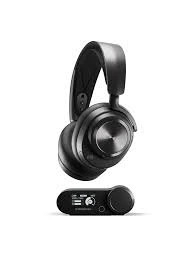 SteelSeries Arctis Nova Pro Wireless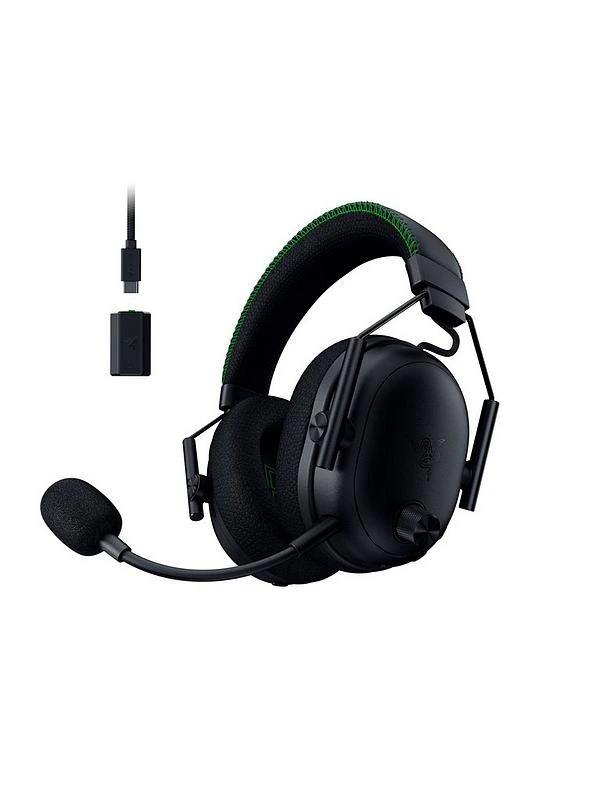
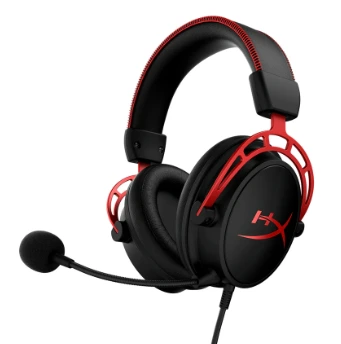
HyperX Cloud Alpha (Wired)
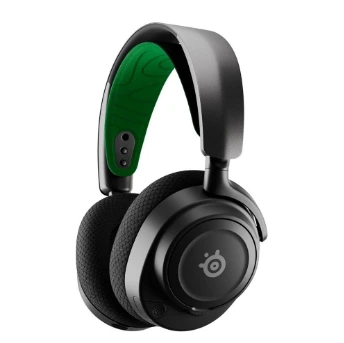
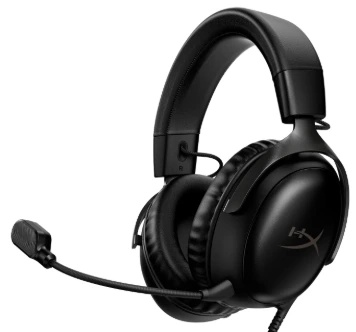
Budget really matters when picking a gaming headset, not all cheap ones are bad, and not all expensive ones are worth it. Besides checking features, quality, and type, it’s good to know your budget. It helps you figure out trade-offs in sound, comfort, build, connectivity, and extra features.
Having a clear budget also stops you from overspending or buying stuff you don’t really need, so you can focus on the features that matter most to you.
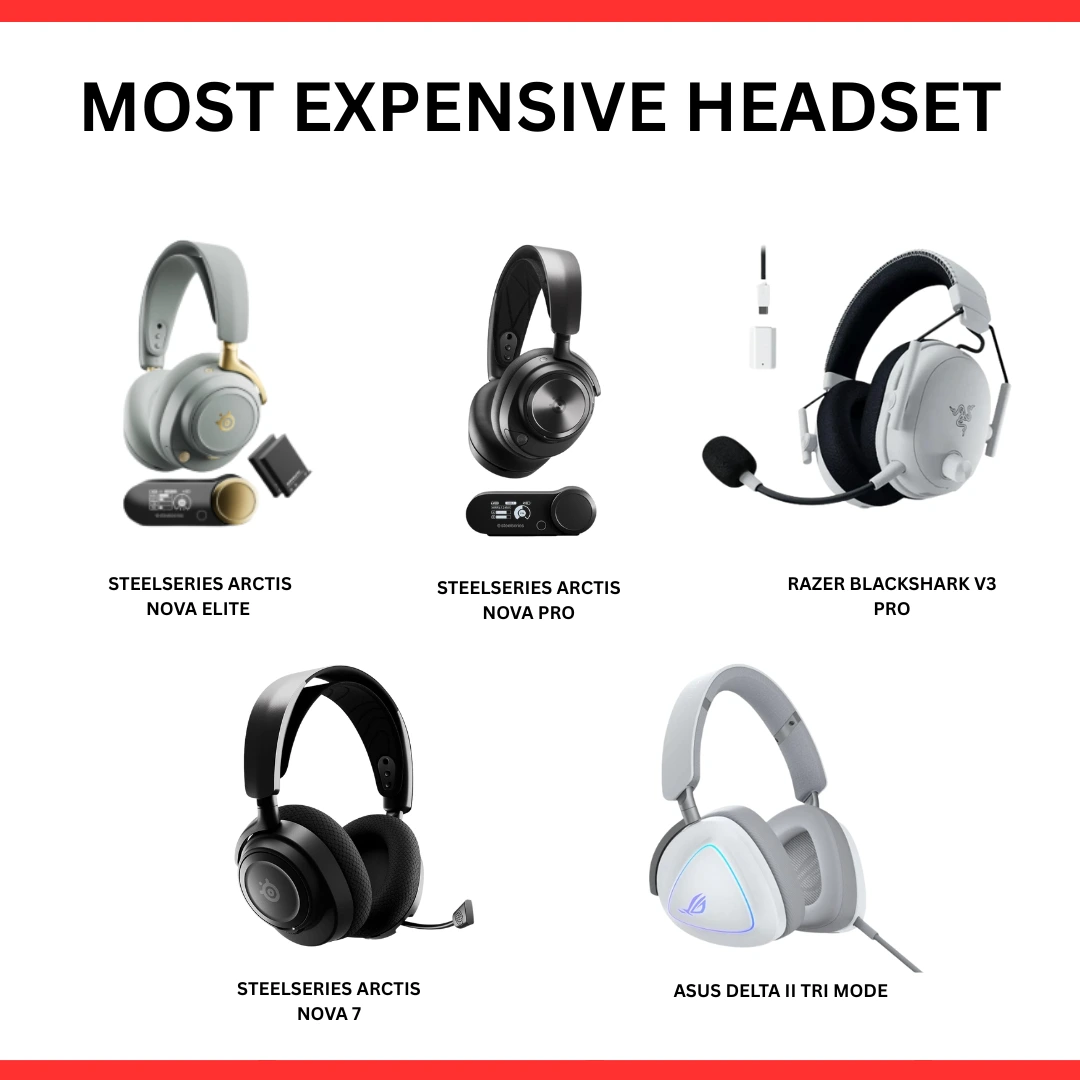

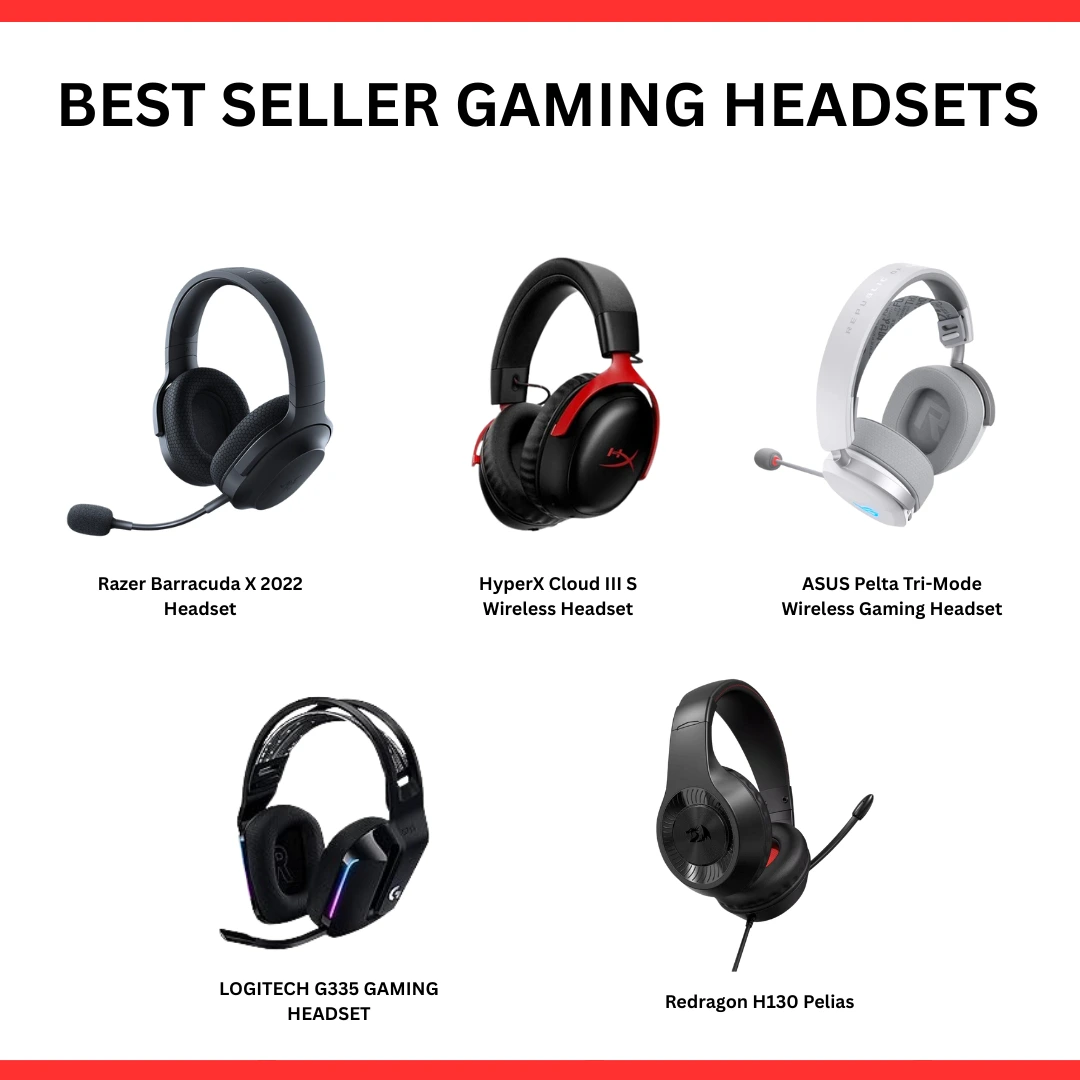
At the end of the day, the best gaming headset is the one that fits your style and needs. Whether you’re after top-tier sound, all-day comfort, or cool extra features, the right pick can totally level up your gaming experience. So take your time, test a few out, and find what feels right because when your headset’s on point, every game hits differently.











Comments